Attendance System
Clock in from a phone, with everything downstream calculated
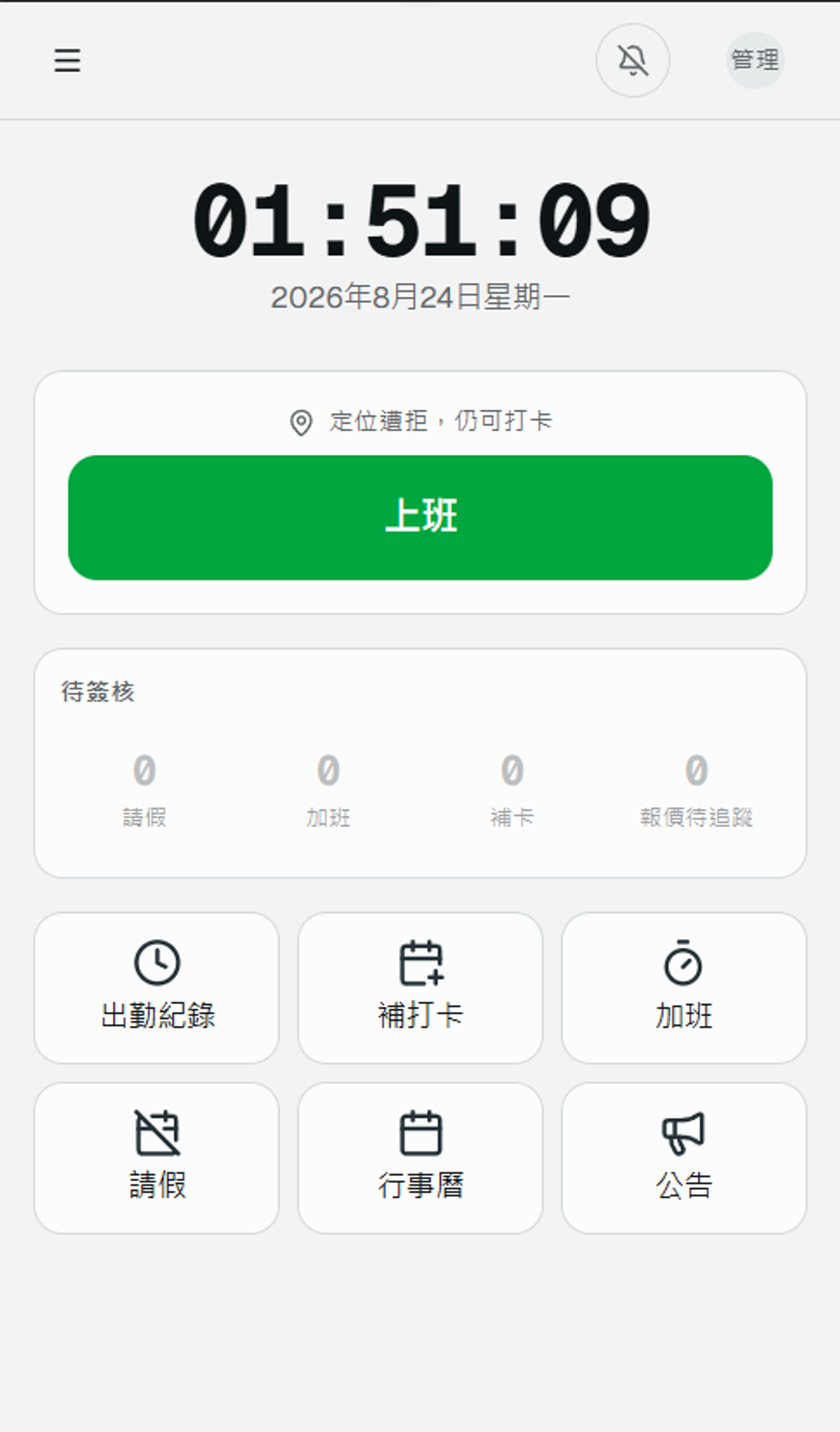
Staff clock in on their own phones at the site, with location recorded, and iPhone users have a dedicated app. Leave, overtime and missed-punch requests are submitted and approved on the phone, and attendance, leave, overtime and annual leave all calculate together, so month-end reconciliation stops being a manual exercise. The system runs on the client's own servers.
- Type
- Internal business system
- Scope
- System design
- Mobile app
- Push notifications
- Working-hour rules
- Handover
- Industry
- In-house operations
The challenge
A physical time clock creates two problems: a queue at each end of the day, and field staff who never walk past the machine at all. The bigger cost arrives at month-end, when punch records, leave forms and overtime forms have to be reconciled by hand into working hours - and any mistake means going back through the month one day at a time.
What we built
Clock in by phone, with a real iPhone app
Staff punch in on their own device with location recorded, so there is no queue at a fixed machine and field staff are covered too. On iPhone it is a proper app that unlocks with Face ID; other phones use the browser and can add it to the home screen.
The phone reminds people when it matters
A push reminder goes out before the start and end of the day, at times the administrator sets in the system settings. When someone submits leave, overtime or a missed punch, their manager's phone is notified at once, and the applicant hears straight away when it is approved or rejected.
Approvals happen on the phone
Leave, overtime and missed punches are requested and approved on the phone, and each manager only sees the people they are meant to sign off by rank. Notices can go to the whole company, to specific roles or to named staff.
Your company's rules, calculated your way
Flexible start windows, late and early-leave rules, and annual leave by length of service all follow this company's own policy, including where it is more generous than the legal minimum. Admins see length of service beside each leave balance, so every number can be traced.
Attendance through annual leave in one calculation, ready to export
Punches, leave, overtime and annual leave sit in the same data, and approvals flow straight into the hours. Reports export for any date range, in a row-per-day or a row-per-person format, with one-tap presets for this month, last month and this year.
The data stays on the company's own server
The system runs on the client's own server with a daily automatic database backup. Updating and rolling back to the previous version are packaged as double-click files, so in-house staff can handle them.
Want something similar? Tell us how you work today.
Adapted to your policies
The backbone of this system is clock-in by phone, approval by phone and rules that calculate themselves. Punch methods, approval levels and working-hour rules can all follow your own policies. Some directions it can extend to:
Field and on-site service teams
For sales, repair or home-care staff who are mostly out, punch locations can extend into a visit log by customer site.
Multi-branch retail
Where each branch keeps different hours, shifts and lateness rules can be set per branch.
Shift-based factories and restaurants
Day, evening and night rotations can extend into a shift roster with hours calculated per shift.
Construction and project-based teams
Hours can be allocated by site or project, so month-end shows how much labour each job used.
Wondering whether a system like this would fit your company?
No specification needed.
Tell us which part of your work takes the most time, and we will look at the right approach together.