CSM Smart Lock Website + Admin
A website and admin for a smart lock store - customers send a photo of their door on LINE, and the shop maintains products and copy on its own
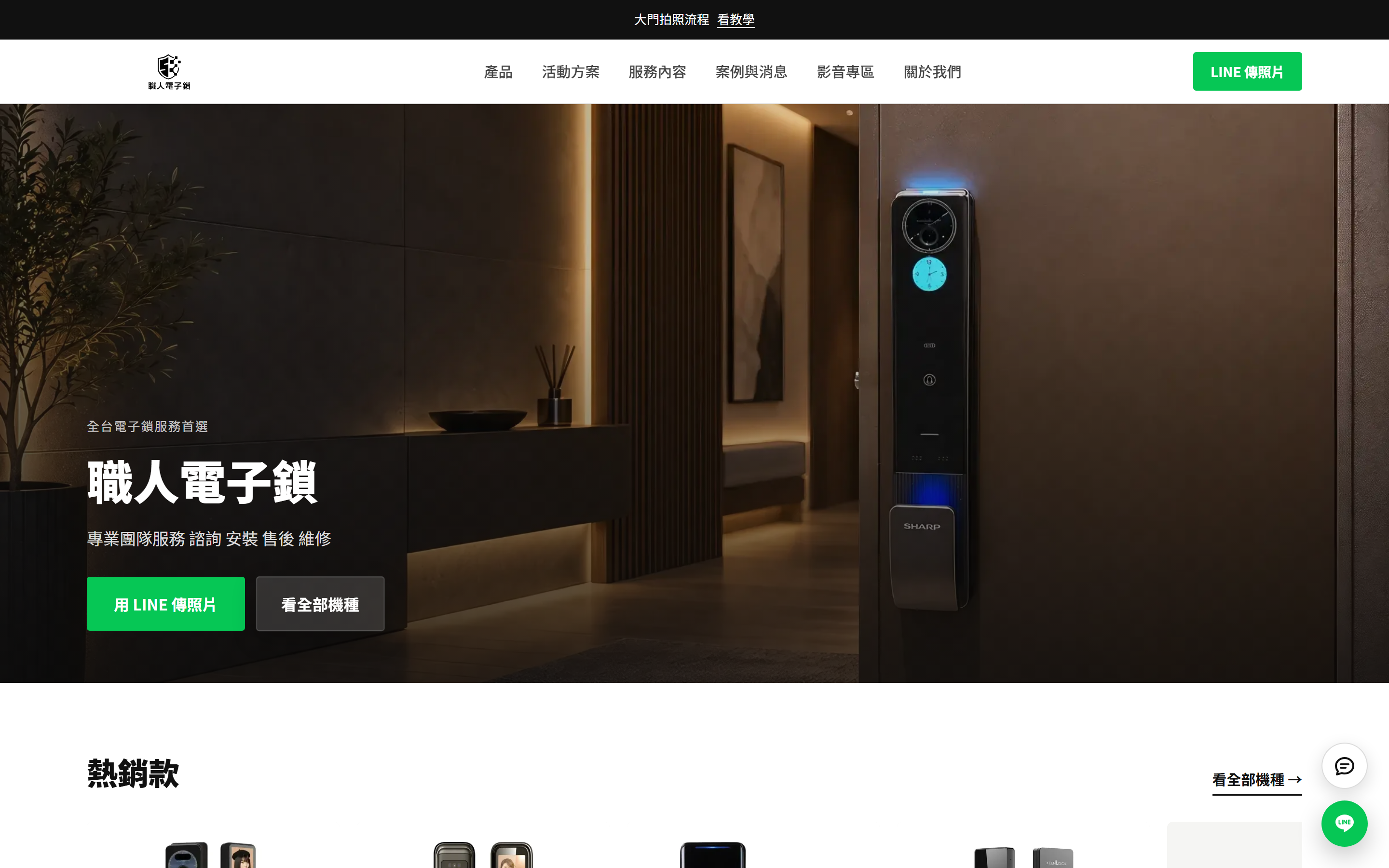
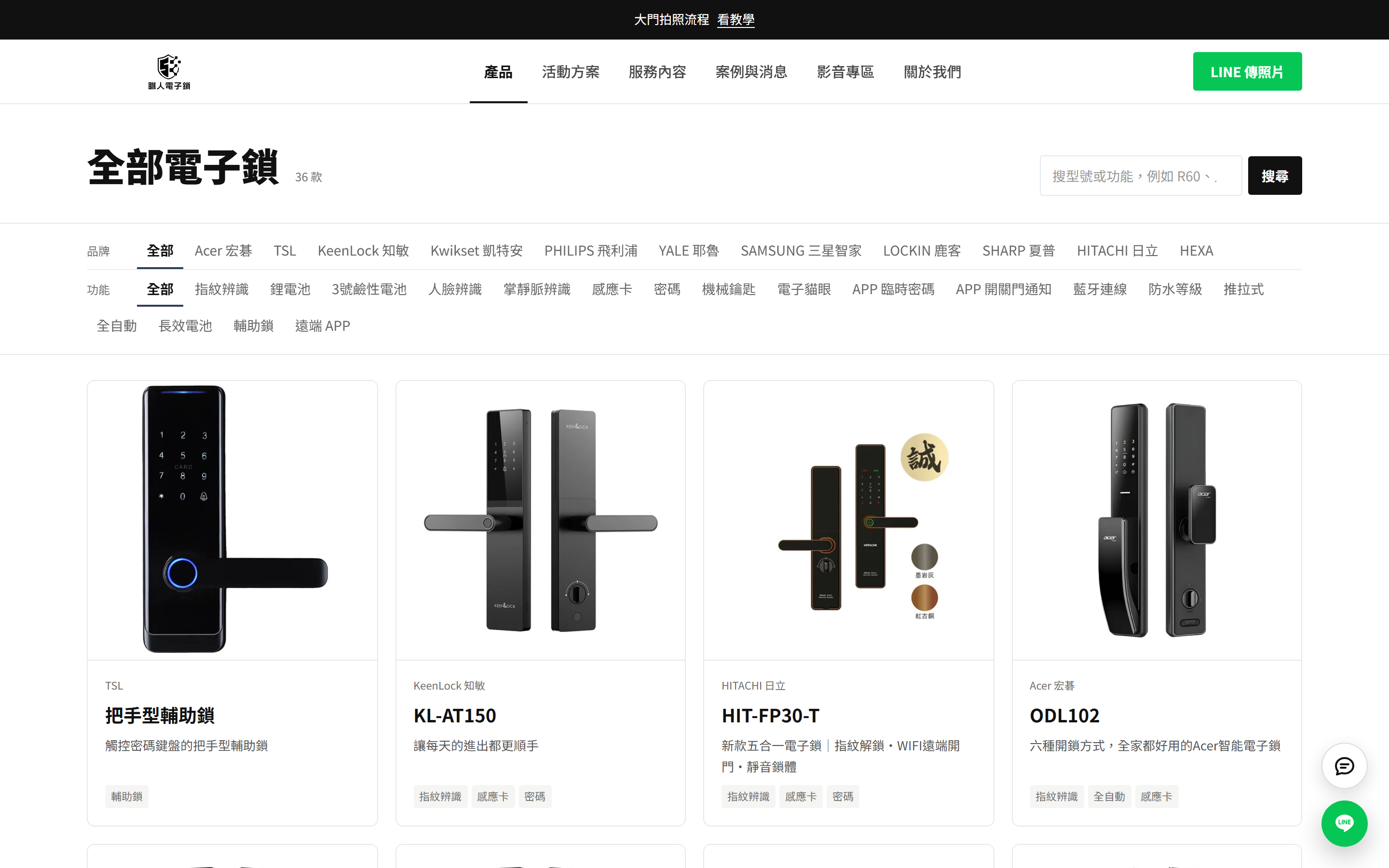
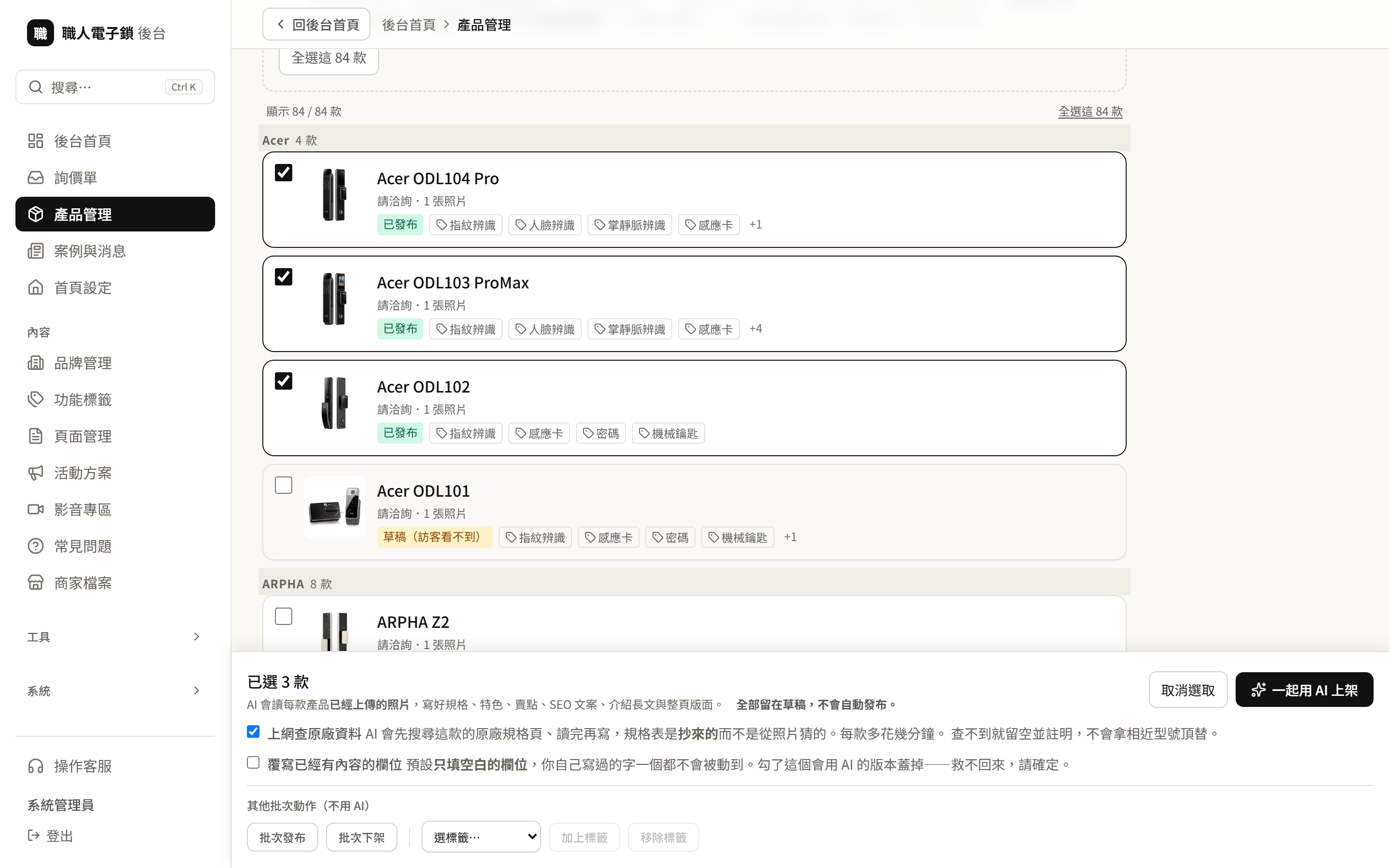
CSM Smart Lock is a smart lock store in Zhubei, Hsinchu, installing on site across Taiwan. We rebuilt its website and built an admin panel the shop runs itself. The catalogue, installation stories, homepage images and store details are all edited in the admin. To add new models, the shop ticks the products and presses one button; the AI reads the photos, drafts the specifications and description, and saves everything as a draft for a person to approve.
- Type
- Website and admin system
- Scope
- Website
- Admin panel
- AI listing
- SEO
- Hosting and care
- Industry
- Smart lock sales and installation
The challenge
The old site sat on a directory platform. Changing a single word meant asking the vendor and often waiting days; the layout was dated, it was awkward on a phone, and fewer people were getting in touch. A single smart lock has dozens of specifications, and manufacturer photos come with mismatched backgrounds and sizes, so with a growing catalogue, listing products alone becomes a chore. Yet the way this business wins a sale is clear: the customer sends a photo of their door on LINE, a technician checks whether the lock will fit, and then quotes.
What we built
Enter the brand and model, AI gathers the specs
With the brand and model in place, tick the products to list. The AI first searches the manufacturer's specification pages and reads the product photos, then writes the specification table, features, selling points, SEO copy and page layout in one pass, all saved as drafts for review. Fields it cannot verify are left blank and marked, never filled from a similar model.
AI background removal and one-click enhancement
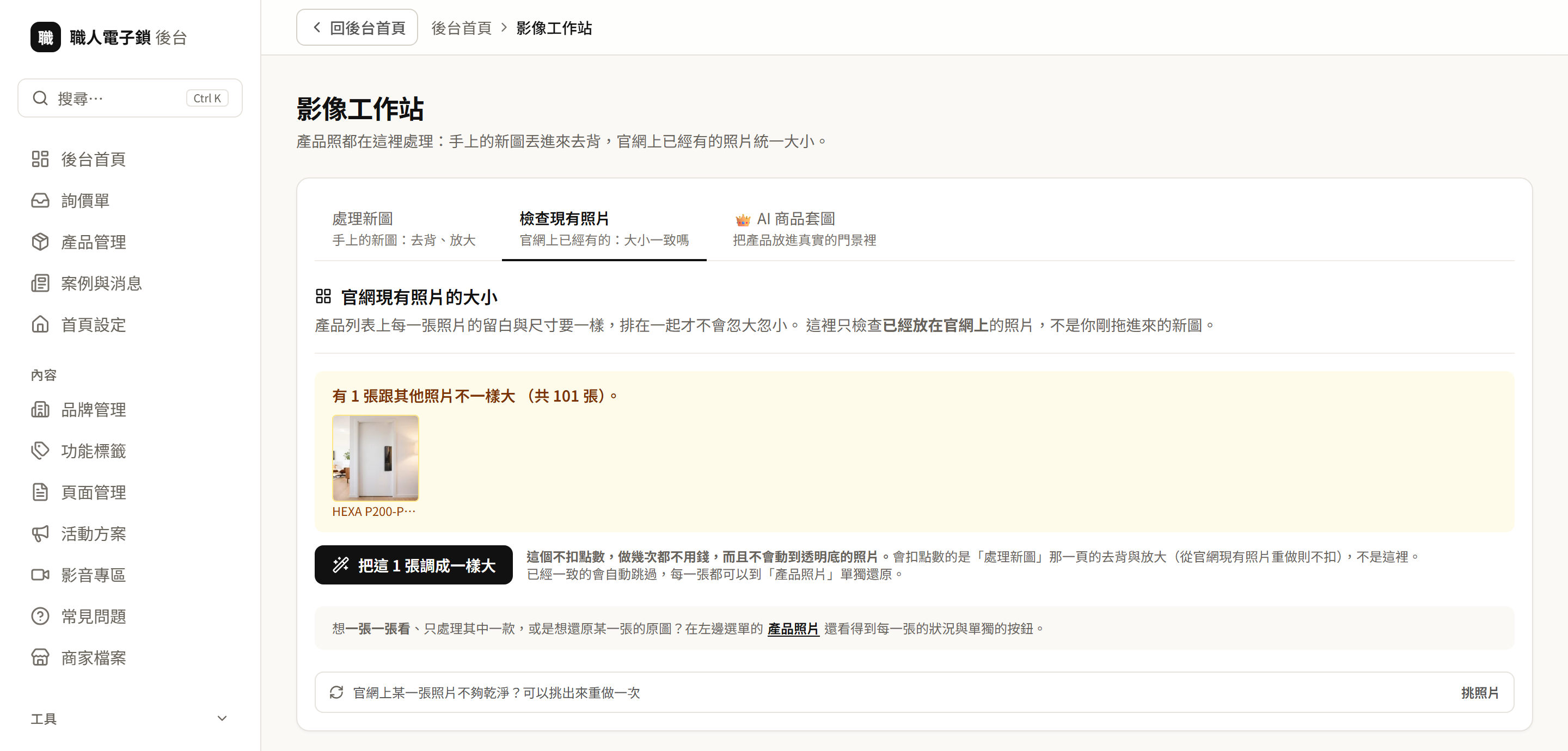
Upload a product photo and the AI removes the background and trims the spare margins, with an optional two-times upscale. Photos already on the site can be checked in bulk, and blurry ones enhanced with one click, so the whole catalogue has clean backgrounds and matching sizes.
Installation stories from a few photos and lines
Upload site photos and jot down a few points; the AI writes the full story with captions, and generates alt text for every photo so search engines can read them too.
An admin that works on a phone
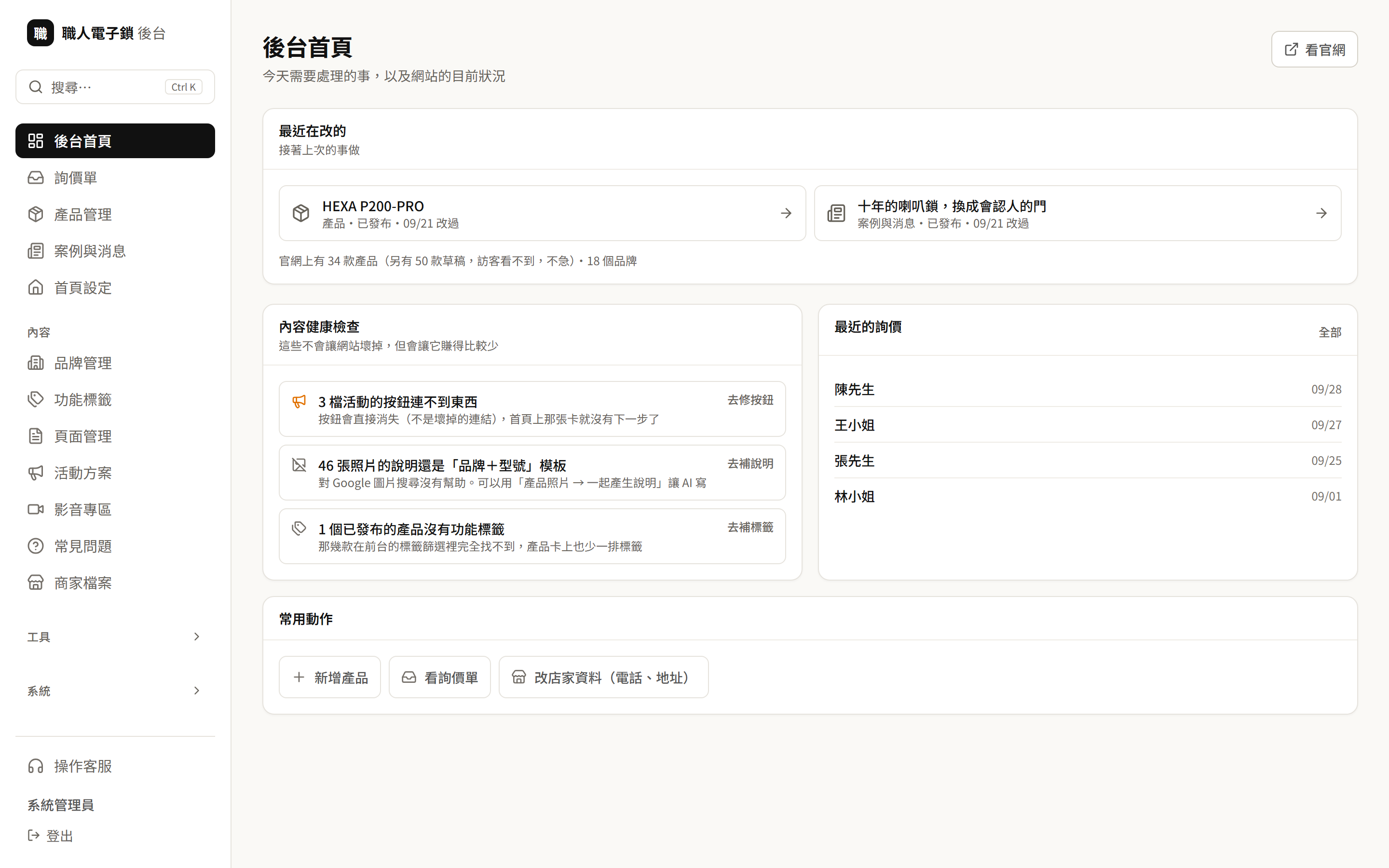
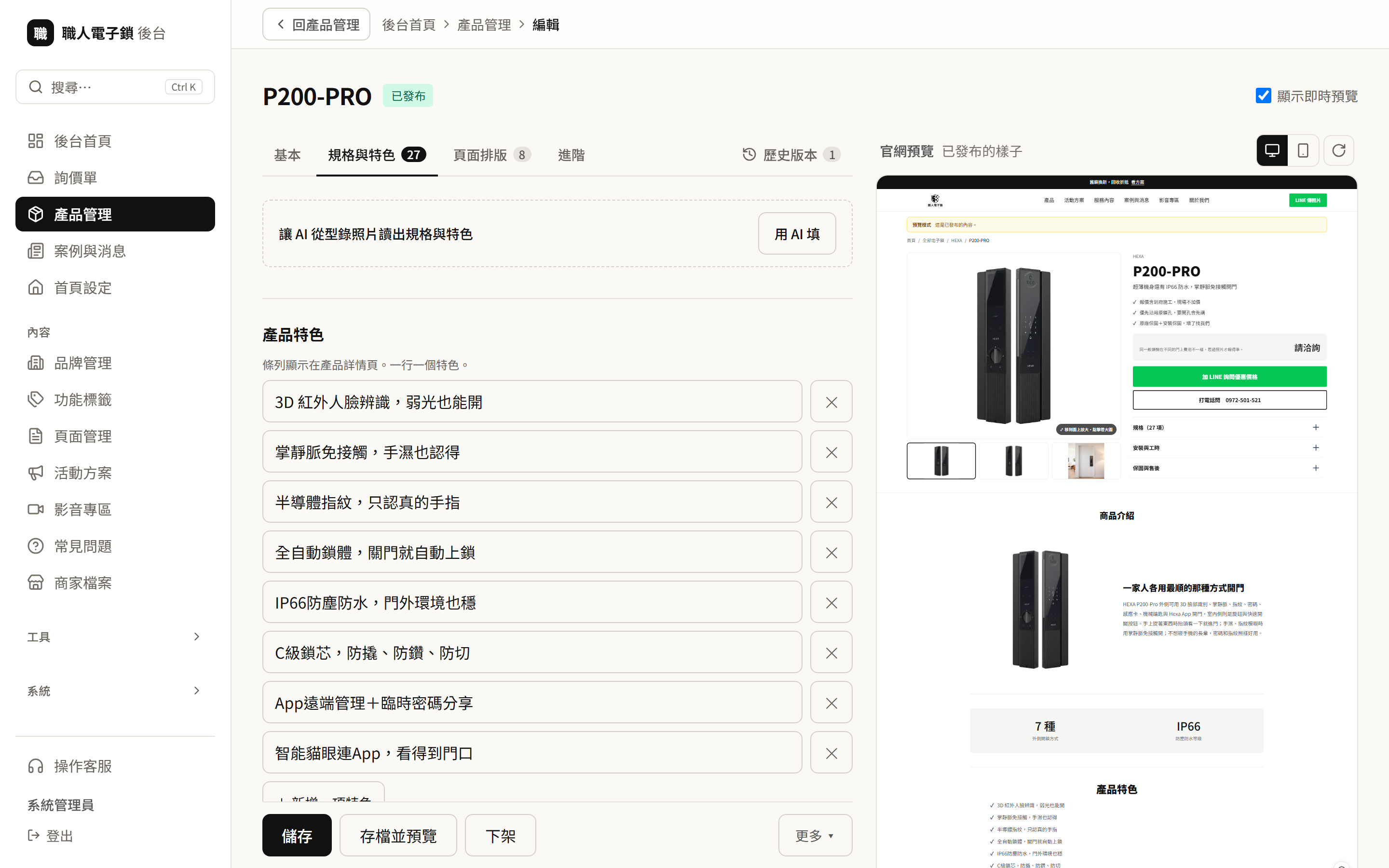
Features are grouped into four layers - everyday, content, tools and system - folding into a side drawer on a phone, with buttons sized for a fingertip. While editing a product, a live preview shows the page on desktop and mobile; each enquiry has a single next-step button that moves it from new to replied, quoted and won.
AI market insight and Google reviews
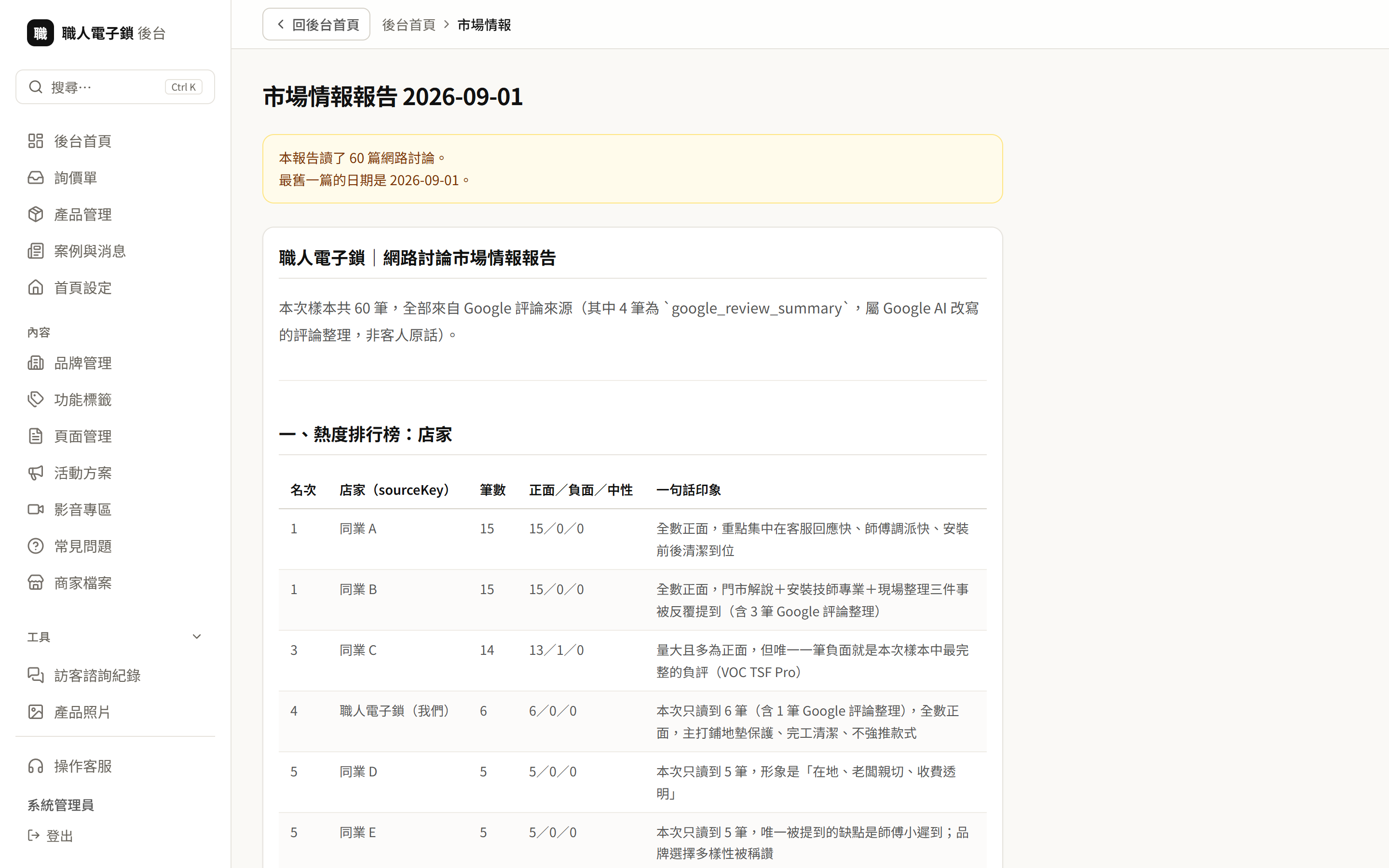
The AI reads Google reviews, YouTube and other online discussion and turns it into a report - how competitors are described, what customers care about most, and what the site is still missing. Google Business Profile reviews are answered from the admin, with unanswered ones listed first.
Every page leads to LINE
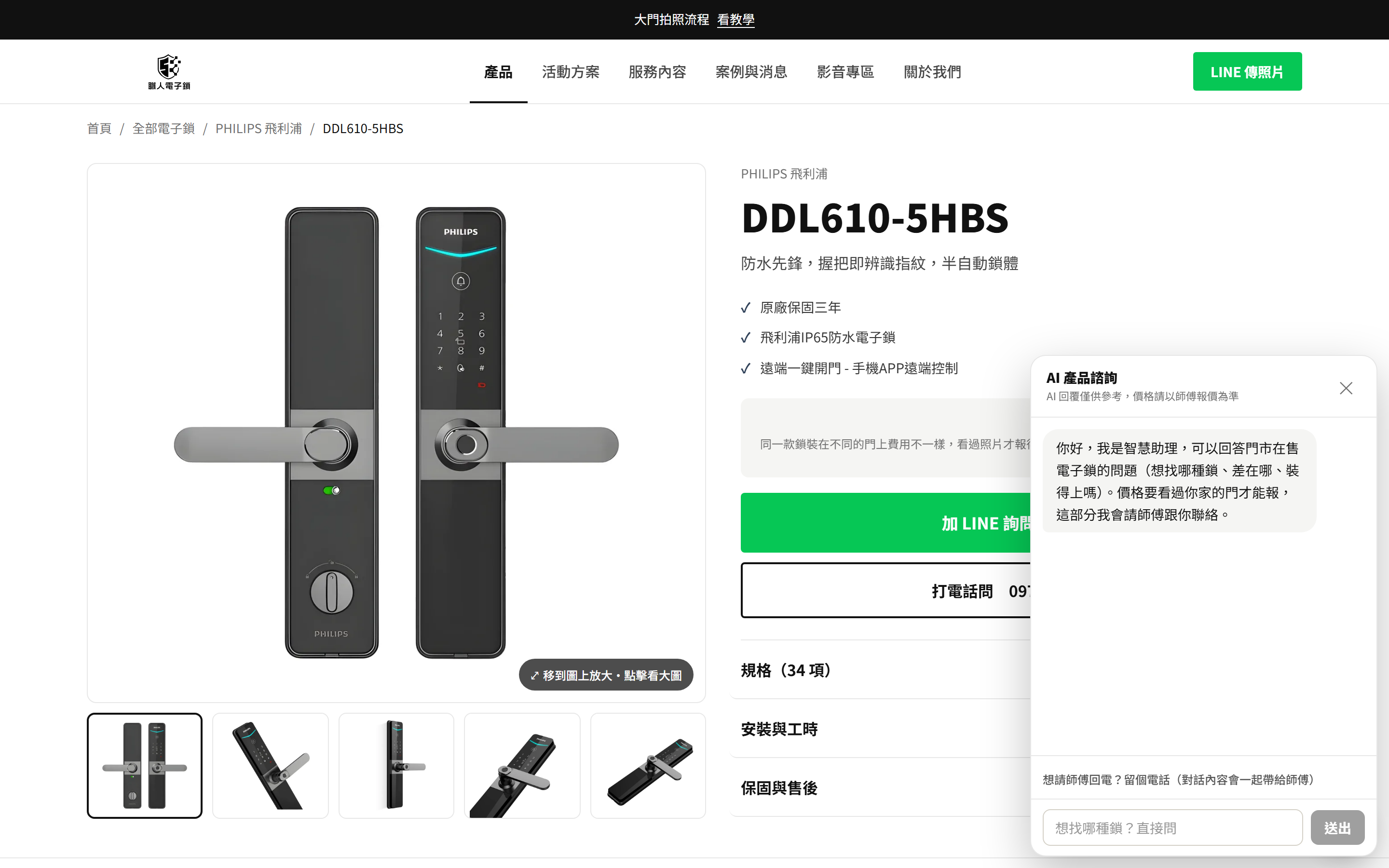
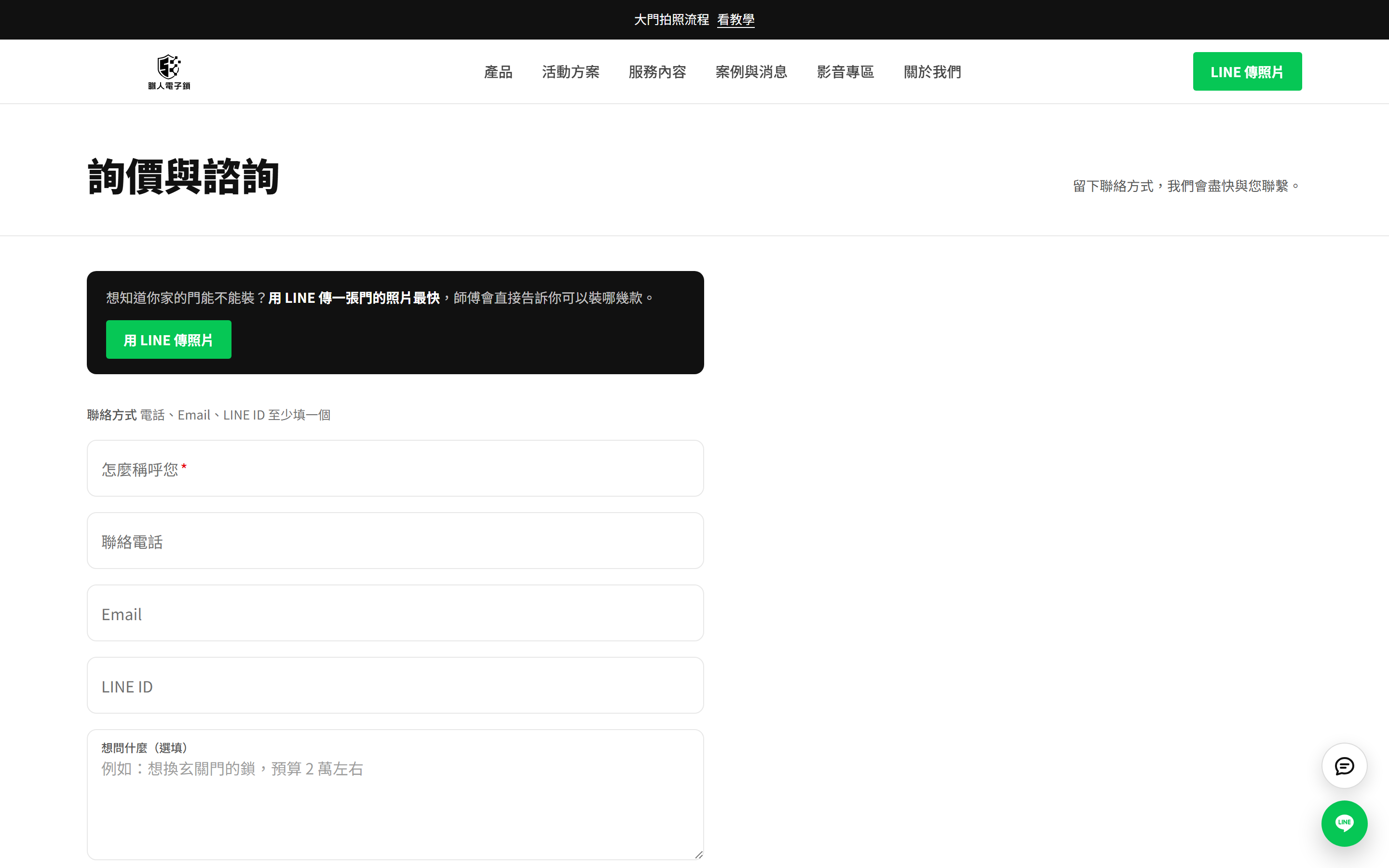
A sale starts with a photo of the door, so every page offers a way to send one on LINE. The AI product assistant in the corner answers questions about products in the catalogue only; it never quotes online and instead asks the customer to send a photo for a technician to assess.
Want something similar? Tell us how you work today.
Screens
The same admin also suits
Any store with many models, detailed specifications, photos from mixed sources and sales won through enquiries faces the same listing burden. Some directions it can extend to - which fields the AI reads and how pages are laid out are adjusted to your products.
Appliance, bathroom and kitchen showrooms
Manufacturer models and specification sheets are well documented, which suits AI lookup by model and bulk listing.
Building materials and hardware
Many items with fine-grained specs and supplier-provided photos, where background removal and consistent sizing save hours of editing.
Automotive and electronics accessories
Products turn over quickly, and installation stories with compatible vehicles or devices can become searchable articles.
Equipment that needs an on-site assessment
Air conditioning, blinds, CCTV and other work quoted only after seeing the site also suit leading customers to send a photo first.
See it live
Wondering whether a system like this would fit your company?
No specification needed.
Tell us which part of your work takes the most time, and we will look at the right approach together.