Integration and long-term support
Staged rollouts, data connections between systems, and monitoring, backups and handover after launch.
A system lasts not because of launch day but because someone looks after it afterwards. We suggest going live in stages, starting with the process that needs the most help and extending once it is stable, and we plan the data exchange between systems at the same time.
Once live, each system's health becomes part of our monitoring, checked every minute, so we hear about problems before a client has to call. If you have your own IT staff, we can hand everything over, with deployment and restore turned into steps anyone can follow.
Common needs
Health checks every minute
Every system is checked automatically and an alert goes out as soon as its status turns bad. The remote support connection is monitored separately too.
A separate deployment for every client
The same software, with each client on its own database and services, so a problem at one company never spreads to another.
Hosting, with no server of your own
The system can run on our machines and be served through an encrypted tunnel, with certificates and updates handled by us.
Full handover for self-managed running
Deployment and rollback become files you can run with a double-click, and the system can move to your own server, so updates and restores do not need an engineer.
Backup and restore
Data is backed up regularly and automatically before every update, and we check that backups can actually be restored.
Data connections between systems
For example, enquiries received on a website could later flow straight into your own system to generate quotes, without changing the website.
Growing in stages
The most needed process goes live first, and other steps or departments are added once it is stable.
How we work
Go live in stages
Start with the process that needs the most help, then extend to the next step once it is running smoothly.
Monitoring ahead of complaints
Every system is checked each minute and we are alerted first, so a client's phone call is no longer how anyone finds out something is wrong.
A working website is not the whole story
Beyond checking that the site loads, the database, backups and remote support connection are checked separately, so no part can fail quietly.
Back up before every change
Setting up a new client, updating and restoring all follow fixed steps, with an automatic backup before each update so we can roll back if needed.
Clear handover
If you choose to run it yourselves, you get documentation and tools for deployment, restore and routine checks that your team can follow.
When it fits
- No one looks after the system after launch, and clients often spot problems first
- Data has to be moved between several systems by hand
- You want part of it live now and the rest later
- You would like your own IT staff to take over maintenance in future
Related work
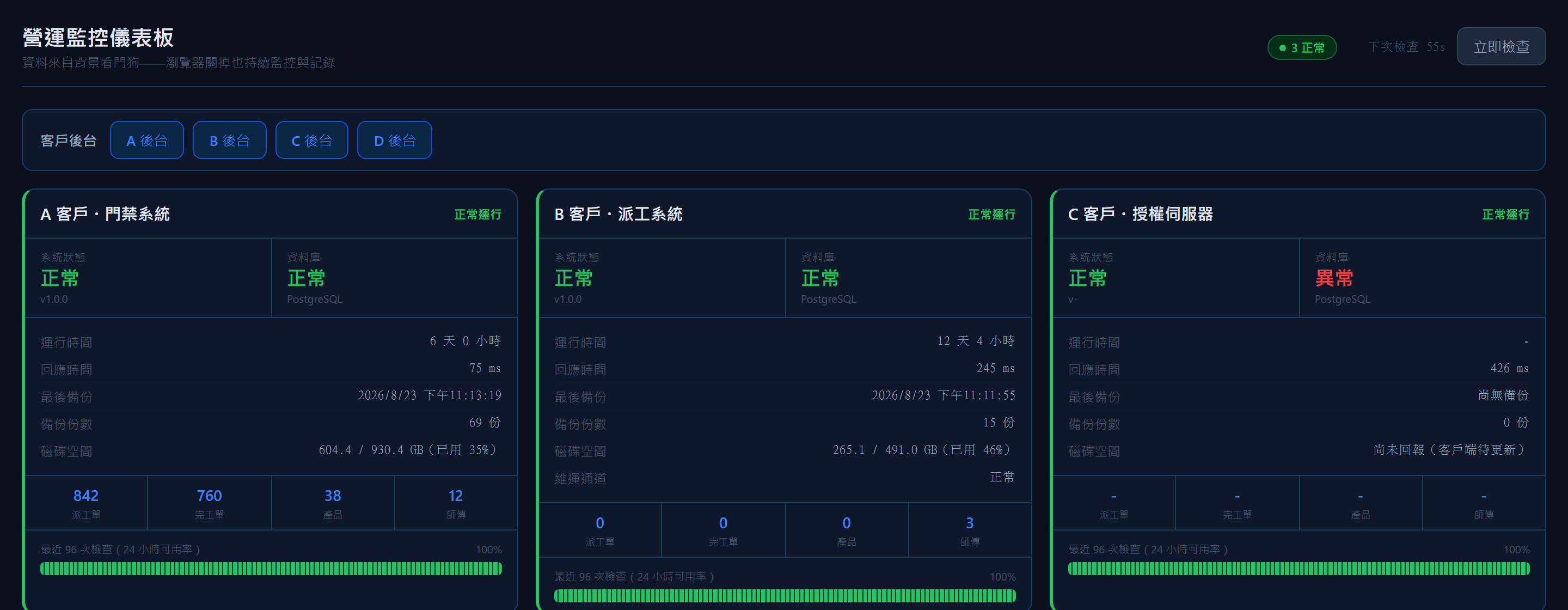
Operations Monitor
A health check every minute, so you hear it first
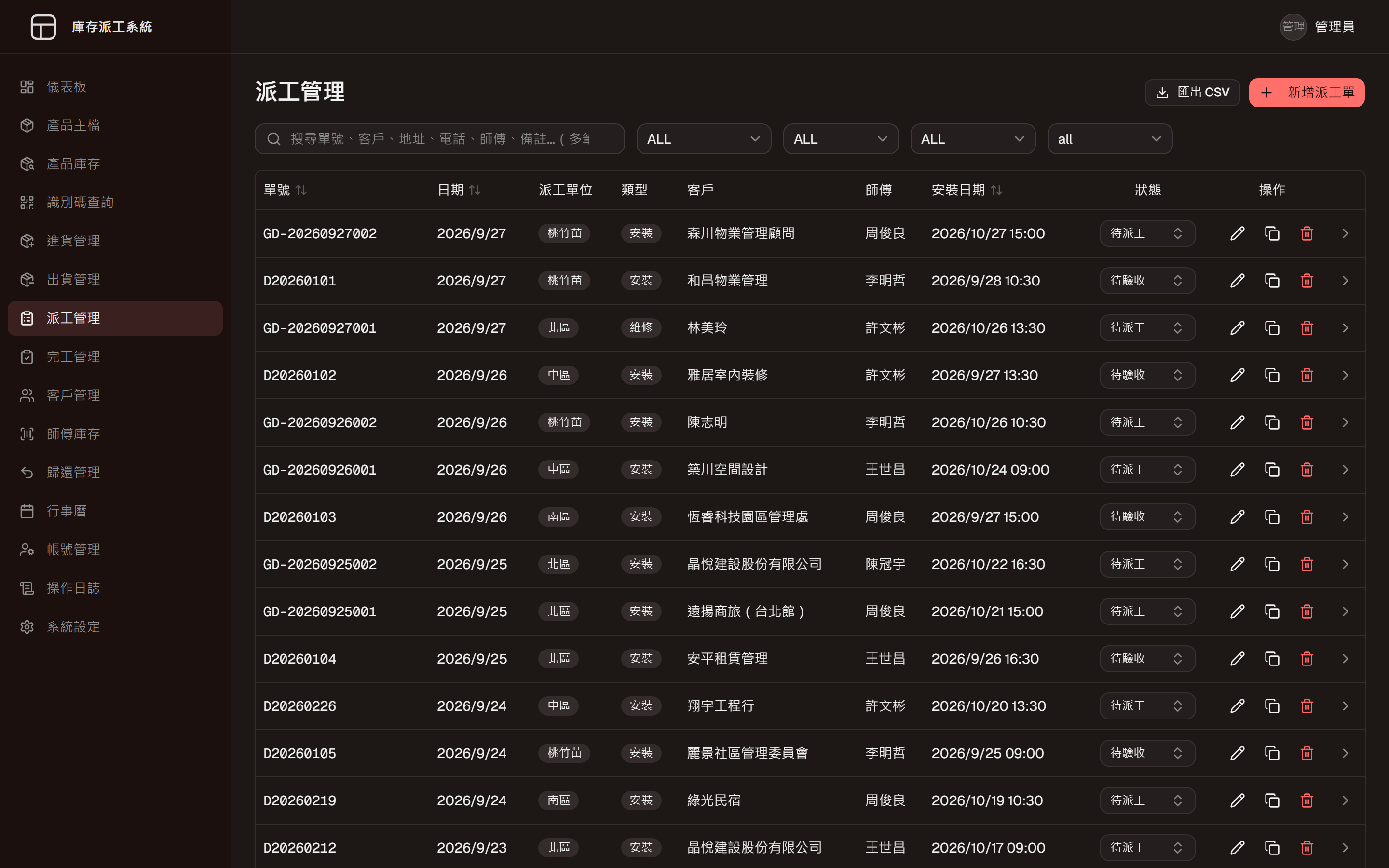
Inventory and Dispatch System
One system from goods-in to job closed
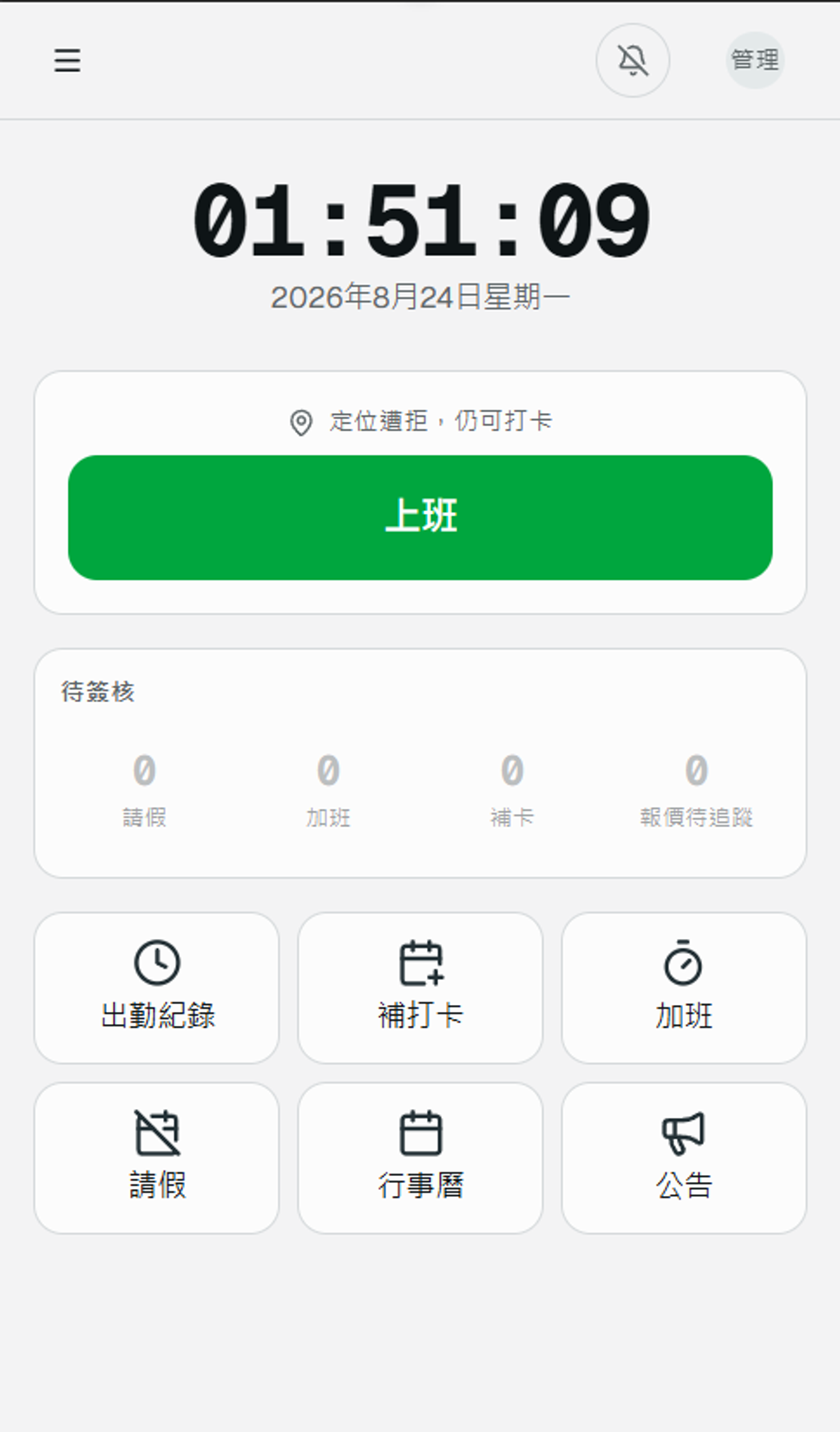
Attendance System
Phone clock-in with location, and every downstream number calculated
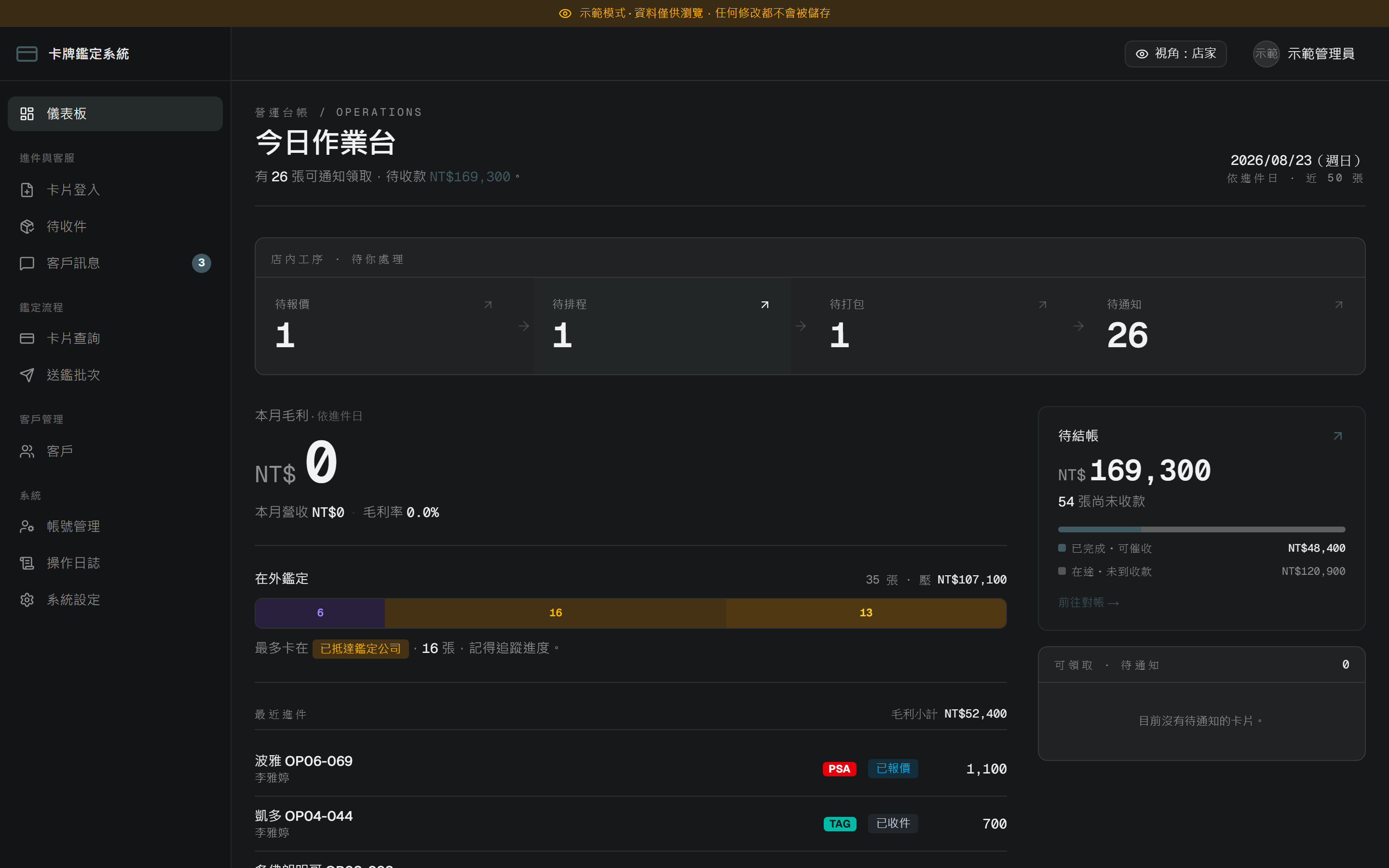
Card Grading Platform
Every card's progress, visible to its owner
You might also need
Common scenarios for this service. These are examples, not completed client projects.
shops and web store on one inventory
With physical shops and an online store each keeping their own count, items sell online that the shop ran out of days ago. Connecting every location to a single stock record means a sale anywhere is deducted right away, and transfers between shops are recorded too.
straight from the form to LINE
Enquiries from the website sit unnoticed in an inbox, and customers who hear nothing back ask someone else. The form can notify the right salesperson on LINE the moment it's sent and turn the request into an enquiry record, so everyone can see who picked it up and where it stands.
orders, accounts and shipping entered once
Orders live in the e-commerce back end, accounts in the bookkeeping software and shipments on the courier's platform, so the same sale is typed in several times. Syncing these systems means a new entry in one flows into the others, with a log that shows which record failed and where.
monitoring and daily backups
Internal systems often have nobody watching them; an outage surfaces when staff start complaining, and no one is quite sure the backups still run. Scheduled health checks send an alert when something goes wrong, backups go to a second location every day, and a regular test restore proves they actually work.
filled in on the phone, not on paper
New patients fill in a paper questionnaire at the front desk and an assistant types it up, which lengthens the wait and invites copying errors. After checking in, the patient receives a link and completes the form on their phone in the waiting room; it goes straight into the system for review before the consultation.
Questions
Who looks after the system after launch?
We can keep supporting it, including monitoring, backups and ongoing changes. If you would rather run it yourselves, we will hand it over in full.
What happens when something goes wrong?
When monitoring spots a problem we are alerted and start working on it, and we contact you to explain what happened when needed.
Where will the system be hosted?
On your own server or hosted by us. We look at the nature of your data and the support you have in-house, and decide with you.
Can we start with just one part?
Yes. We recommend going live in stages, starting with the process that needs the most help and extending once it is running smoothly.
Would you like to talk through your situation?
No specification needed. Tell us which part of your work takes the most time, and we will look at the right approach together.