Factory automation software
Production data collection, equipment integration, work orders and inspection records, built around how your floor actually runs so data goes straight into the system.
Factory automation often stalls somewhere other than the machines. Someone copies readings into a spreadsheet, work order progress means a phone call, and inspection results sit on paper where they are hard to trace later. These steps rarely need a large system. They need software that fits the way the floor already works.
We start on site, learning the equipment, how it is wired and the pace of the work, and then decide how the software connects and what the screens look like. Existing equipment stays in use wherever possible, and so do the routines your operators know.
Common needs
Production data collection and reporting
For example, recording output counts, weights or temperatures from equipment automatically, with reports by shift, date or batch instead of copying by hand.
Connecting PLCs, barcode scanners and cameras
For example, reading PLC values over serial or network connections, or scanning a barcode to open a work order. Our shipping video system starts recording the moment a waybill is scanned and files the video under that number.
Production scheduling and work order tracking
For example, recording every stage of a work order from issue and materials to production and completion, so managers can see progress from the office.
Digital quality records
For example, replacing paper inspection sheets with a tablet form and photos, flagging failed items automatically and tracing them later by batch.
Screens made for the shop floor
For example, large-button screens for line tablets or industrial PCs that follow the order of the work, so they are hard to get wrong on a busy shift.
Works without internet access
Industrial PCs are often offline, so the software and its instructions run without a connection. Remote support, when needed, is planned as a separate secure link.
How we work
Start on the floor
We learn the equipment models and how they communicate, the pace of the work and how operators actually use it, before deciding which data to connect.
One machine, one line first
We start where the scope is small and the benefit is clear, confirm the data is right and the team is happy to use it, then extend to other lines.
Check every value
Values the system reads are compared item by item with the equipment display or existing records, to make sure the data comes from the right machine.
Designed for real-world slips
For example, if someone closes the window or the PC locks, recording still ends as configured instead of running until the disk is full. A mistake on the floor should not become a system failure.
Documentation the floor can use
Operating and troubleshooting guides are written as clear steps for operators and stored on the PC, always ready to open.
When it fits
- Output, equipment readings or inspection results are still copied by hand
- Checking on a work order means phoning around
- Shipping or inspection needs a traceable record
- A line PC needs replacing but the old program on it must keep running (see legacy migration)
Related work
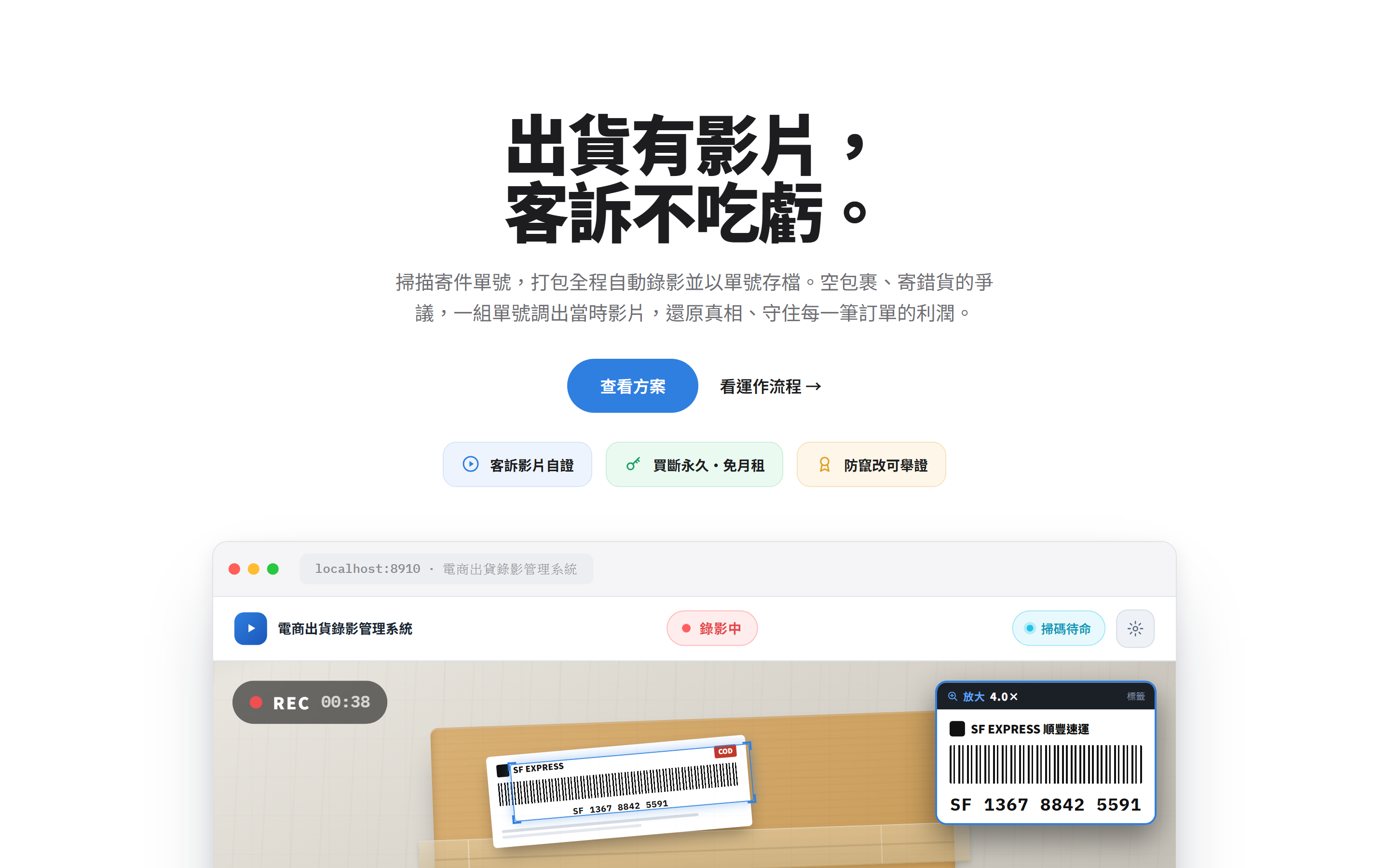
Packing Video Evidence
Packing video evidence, indexed by tracking number
You might also need
Common scenarios for this service. These are examples, not completed client projects.
from Windows XP to Windows 11
The PC beside the production line still runs Windows XP, it's the only machine that opens the recipe program, and the original developer can no longer be reached. We start by checking whether the program can run on Windows 11 without changing a line, keeping its screens, settings and data as they are.
paper inspection sheets on a tablet
Inspectors tick boxes and write readings on paper, someone types them in at month-end, and tracing a problem back to a batch means deciphering handwriting. With the checklist on a tablet, out-of-spec readings are flagged on the spot and every record is filed by work order and batch, ready to search.
machine readings collected into reports
Output, temperatures and downtime are still written down by a supervisor walking the line. Reading values directly from the PLC or the machine's own interface, a program can build per-shift and daily reports and log when each stoppage started and ended, so nobody has to reconstruct it from memory.
see which station every job is at
When a customer calls to ask about their order, someone from sales has to walk the floor to find out. If each station scans the work-order barcode as it reports progress, the system knows where every job is and how much is done, and sales can answer from their desk.
a full copy and a tested restore
If the hard drive fails on the old PC that drives the measuring instruments, the whole line stops. The machine's system and settings are backed up in full, restored and tested on a spare PC, and written up as step-by-step instructions anyone can follow to get back up and running.
Questions
Our equipment is fairly old. Can it still be connected?
Most equipment offers some way in, such as a serial port, a network connection or data files written by its own software. We first confirm how the equipment communicates and what data exists, then recommend an approach.
Do we have to automate the whole factory at once?
No. We suggest starting with one machine or one line, making sure the data is right and the team finds it easy, then expanding step by step.
Will it work without internet access on site?
Yes. The software can run on the factory's internal network or on a single PC. If remote support is needed, we plan a secure connection separately.
How is the cost worked out?
It depends on what you need. Once we understand the equipment, data and workflow involved, we will give you a quote.
Would you like to talk through your situation?
No specification needed. Tell us which part of your work takes the most time, and we will look at the right approach together.